
What the project was:
In smart home automation, the customer interacts with their home via the mobile or tablet app.
This was a new features, building an In-App Customer Communication Platform in the mobile app to include:
• Customer Feedback, • Onboarding, • Learning Center
This was a new features, building an In-App Customer Communication Platform in the mobile app to include:
• Customer Feedback, • Onboarding, • Learning Center
My Role:
Leading the Design Strategy:
• Bring the experience to the mobile app, for self-service customer support.
• Design an in-app customer communication user experience platform that begins small, test it for customer engagement, and then scale it to include advanced features.
Squad Collaboration:
UX Design, UX Research, Education, Product Management, Mobile Development, Customer Service
UX Design, UX Research, Education, Product Management, Mobile Development, Customer Service
WHY it mattered:
We learned from our smart home customers, that they wanted onboarding and training within the app, when they wanted to look for it. This was captured by customer complaints, NPS scores, installer feedback, heat maps, and customer engagement.
The prior way of communicating with customers was ineffective and outdated: reliant on email communication for new features, and customer service phone calls. We measured engagement and discovered minimal interaction with the web portal, and minimal engagement with email marketing.
Self service in-app faqs and product feature updates had become a design pattern that customers were used to seeing, and they wanted that too. The company was willing to invest in this "Customer Communication Platform" within the native app.
The prior way of communicating with customers was ineffective and outdated: reliant on email communication for new features, and customer service phone calls. We measured engagement and discovered minimal interaction with the web portal, and minimal engagement with email marketing.
Self service in-app faqs and product feature updates had become a design pattern that customers were used to seeing, and they wanted that too. The company was willing to invest in this "Customer Communication Platform" within the native app.
PROCESS:
1- getting alignment: The Demo, and Vision
Using a video clicking-thru a prototype, for presentation to the team, sizing, and user testing.
Click to View Demo:
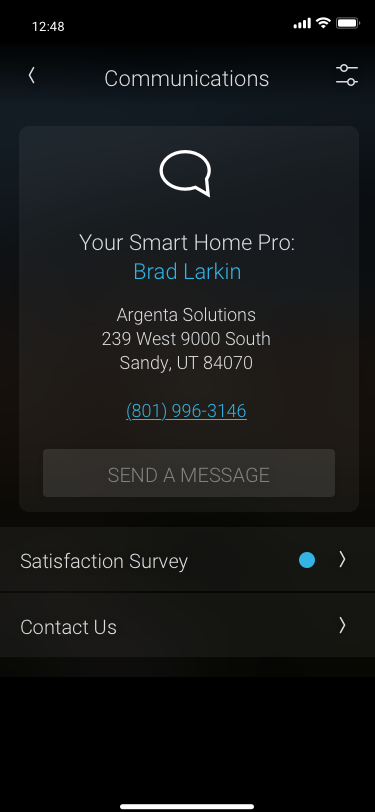
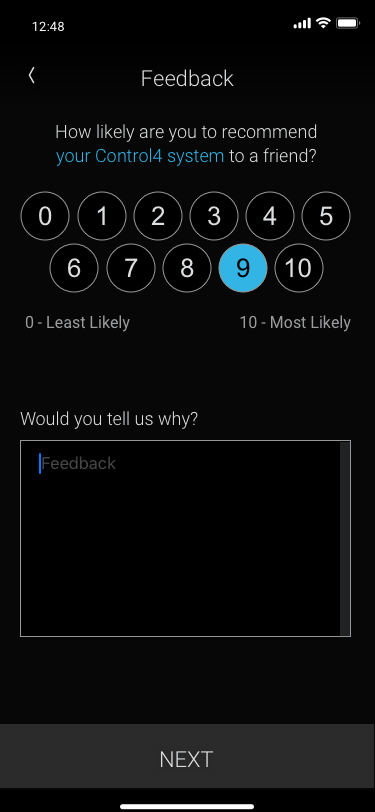
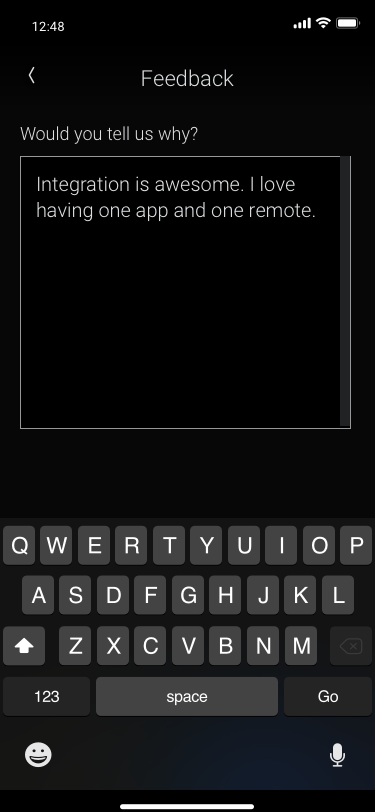
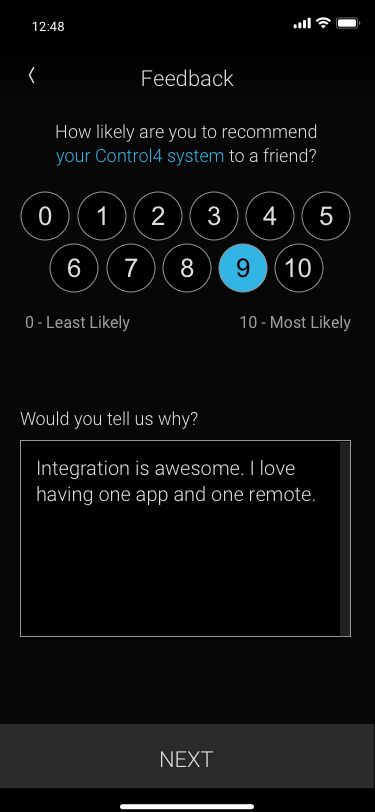
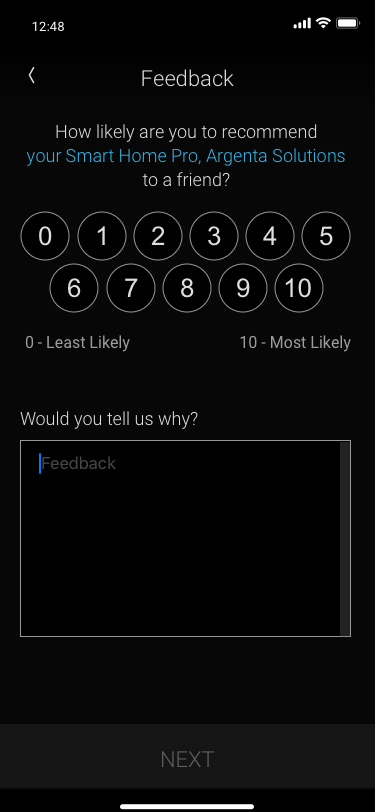
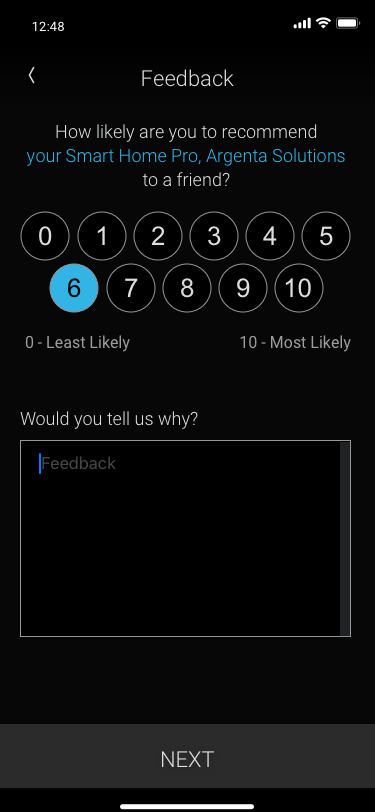
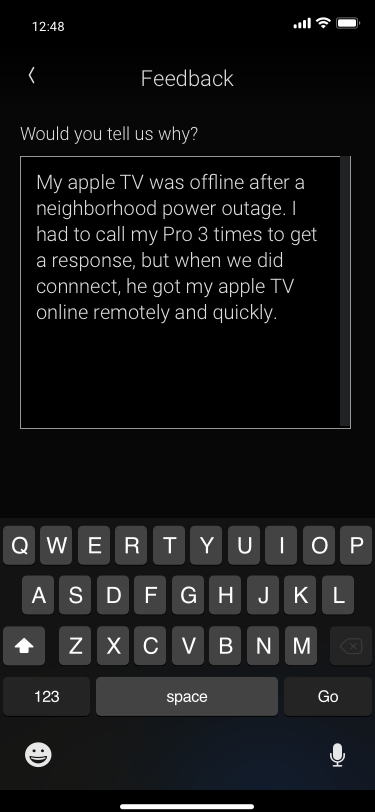
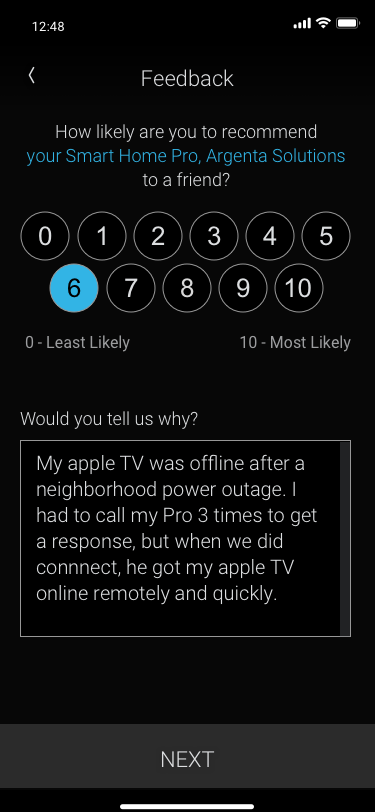
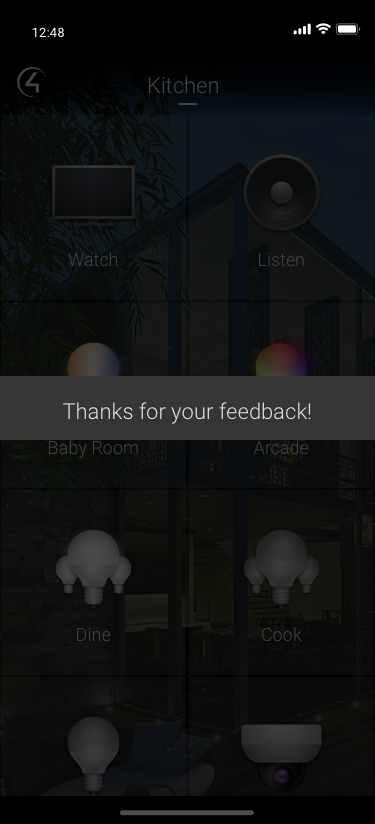
Phase 1: In-App Customer Feedback Survey
• Feedback loop directly from customers, targeting 90 days after installation (after customers had been living with their product).
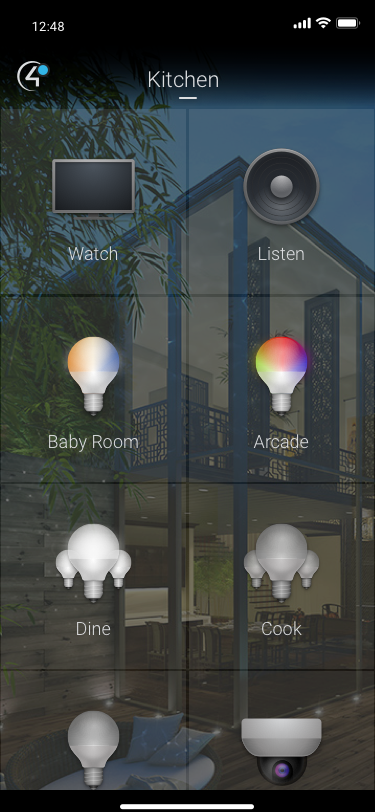
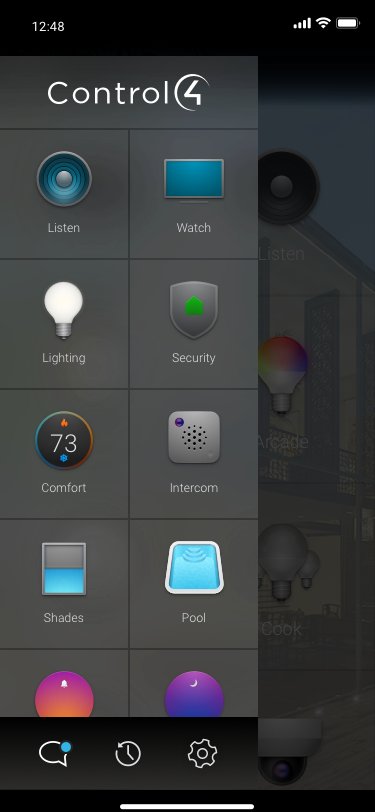
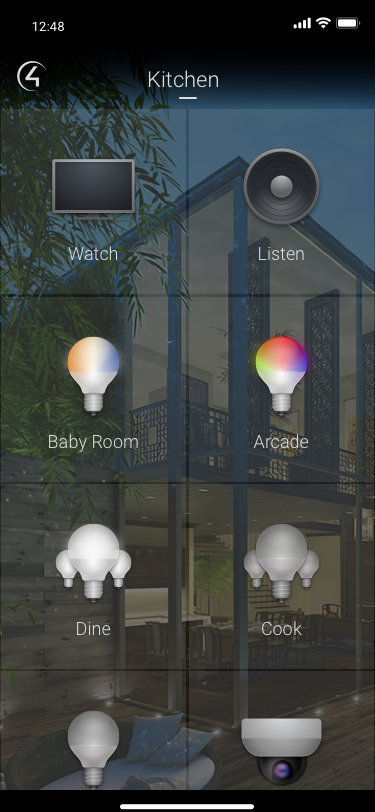
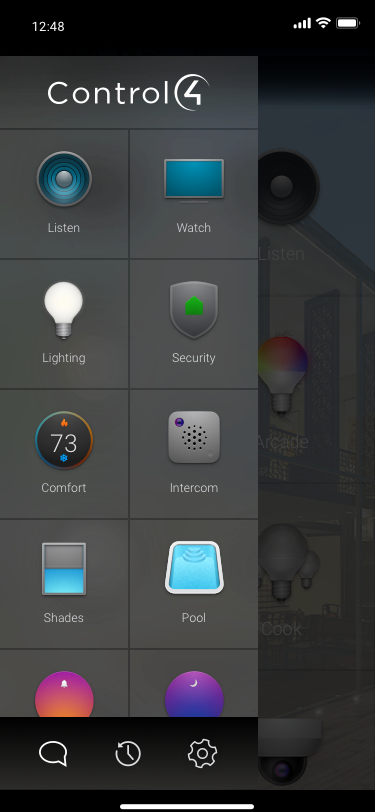
• Non-interruptive workflow, adding a notification pip on the communication icon until clicked or dismissed.
Screens in the build:
• Non-interruptive workflow, adding a notification pip on the communication icon until clicked or dismissed.
Screens in the build:
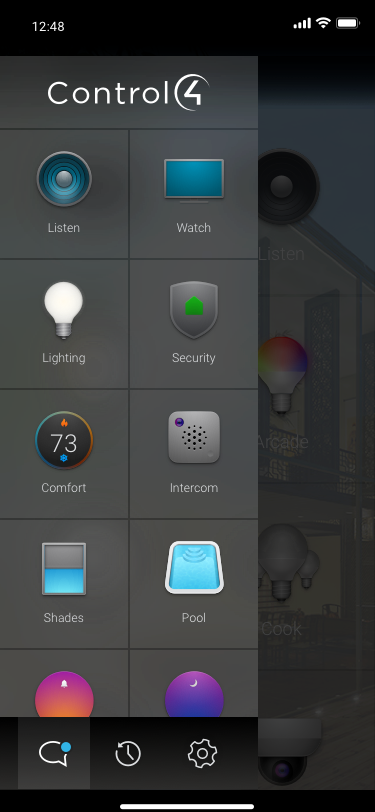
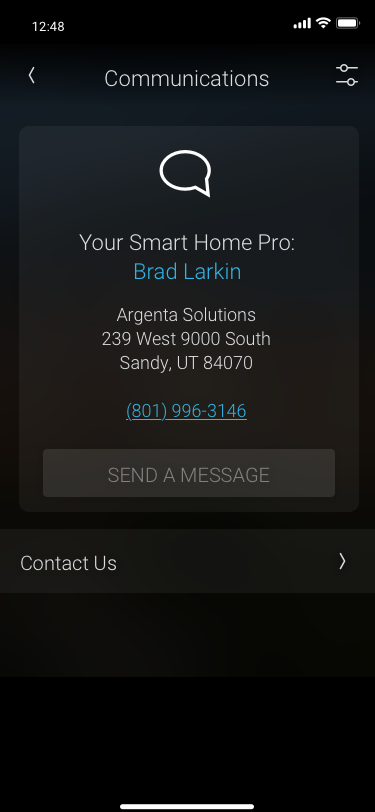
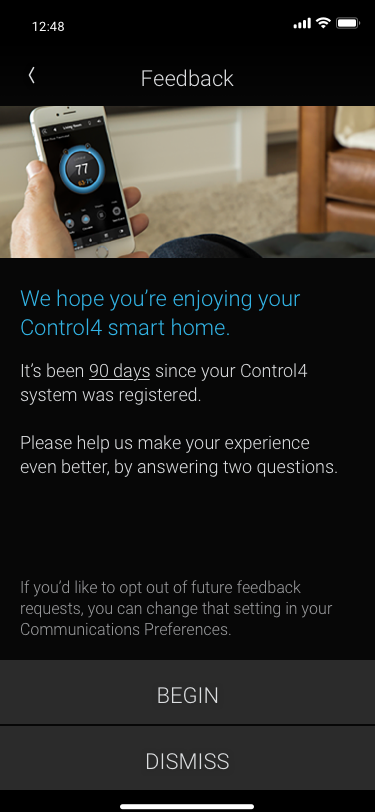
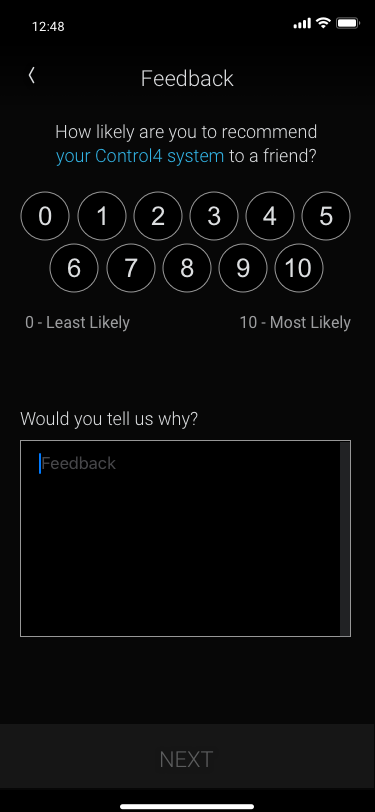
Phase 2: In-app Customer Onboarding
• Add most important features to test engagement with onboarding, and an increase in feature use.
• Self-service, non-interruptive, flexible.
Phase 3: Scaling onboarding framework to become a larger Learning Center
Beginning with a small subset of onboarding features, as an MVP, to test customer engagement.
Using the most used features and products as beginning topics, informed by our education, and data on project setups .
Creating KPIs for Predictors for Success:
1. MVP Strategy to test the idea: Beginning by manually adding the most used core features and products, narrowing the focus.
2. Measure clicks and engagement with communication center (test location of communication center).
3. Measure customer engagement with learning center pages (learn from our customers).
4. Measure increased engagement with corresponding features in the product.
5. Measure expected increased engagement in customers engaging with advanced features.
6. Measure expected reduced calls to customer support.
7. Measure higher customer satisfaction, measured by NPS scores.
Using the most used features and products as beginning topics, informed by our education, and data on project setups .
Creating KPIs for Predictors for Success:
1. MVP Strategy to test the idea: Beginning by manually adding the most used core features and products, narrowing the focus.
2. Measure clicks and engagement with communication center (test location of communication center).
3. Measure customer engagement with learning center pages (learn from our customers).
4. Measure increased engagement with corresponding features in the product.
5. Measure expected increased engagement in customers engaging with advanced features.
6. Measure expected reduced calls to customer support.
7. Measure higher customer satisfaction, measured by NPS scores.
Strategy:
• Include more topics, products and advanced features.
• Use machine learning to personalize what content is served up, relevant to the hardware in the project.
• Building a CMS for internal co-authoring and scaling content from multiple internal teams.
• Test text driven, and educational short "show me" videos.
• Include more topics, products and advanced features.
• Use machine learning to personalize what content is served up, relevant to the hardware in the project.
• Building a CMS for internal co-authoring and scaling content from multiple internal teams.
• Test text driven, and educational short "show me" videos.